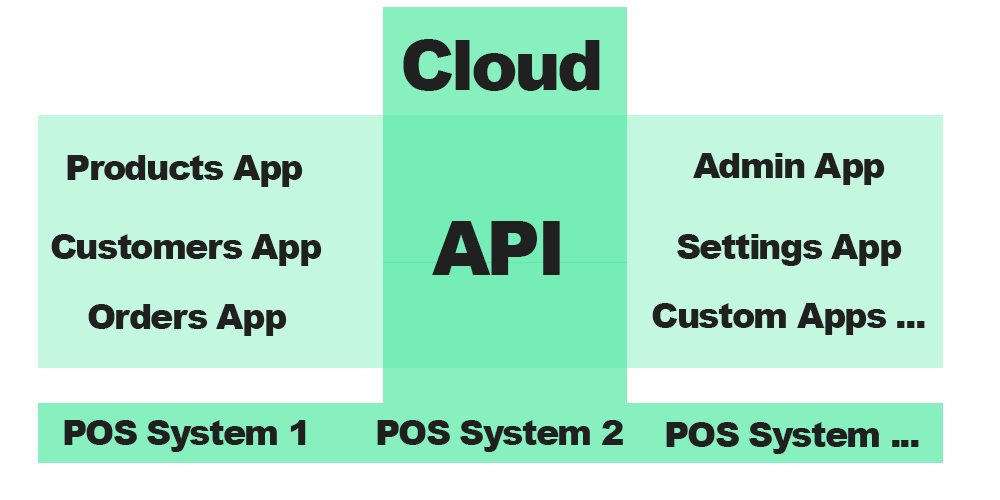
Core POS Features
Offline Mode
Never miss a sale. Continue processing transactions and all data will sync the moment your connection restores.
Offline transactions and customer management.
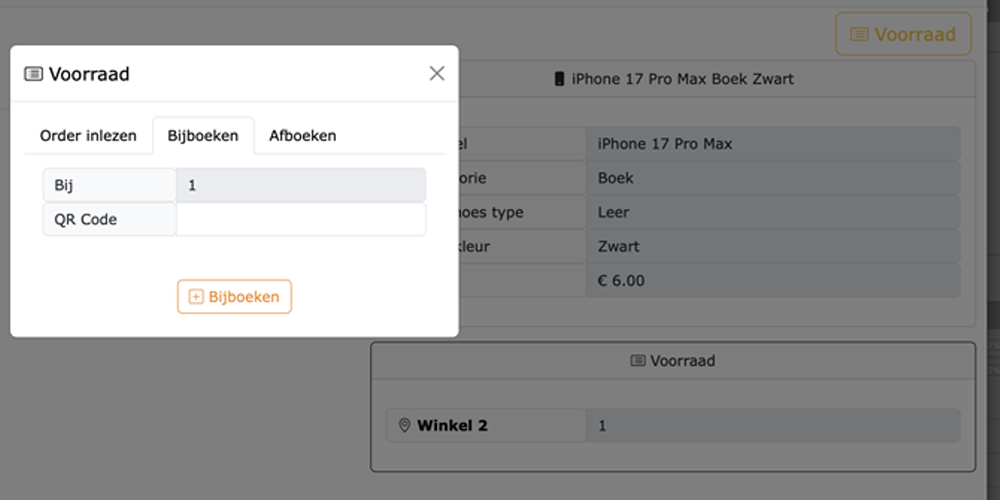
All-store stock overview.
Realtime Inventory View
View stock levels across ALL your stores simultaneously from any device. Reduce stockouts and improve transfers.
QR Code Labeling
Simplify inventory intake and checkout. Print unique QR codes for products to speed up counting, re-ordering, and sales.

Scanning products and inventory.
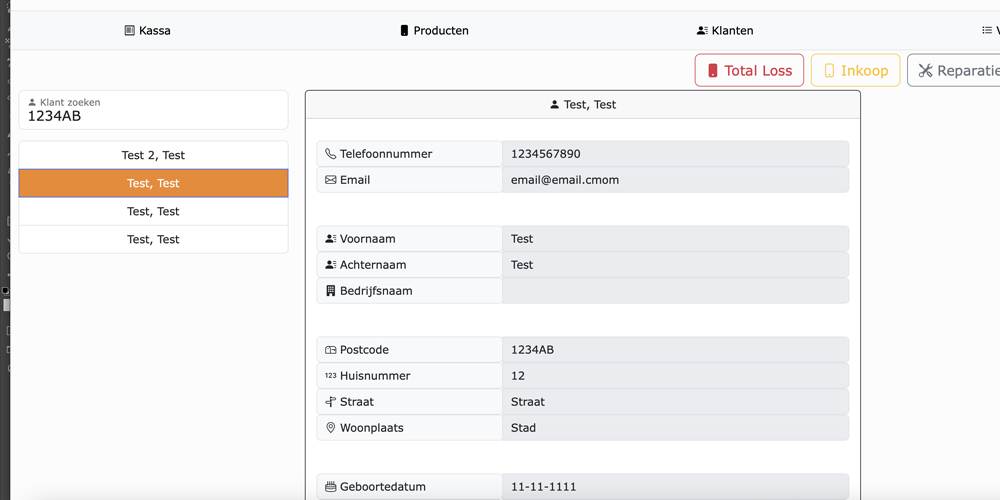
Customer and repair management.
Customer & Repair Management
Log customer purchase history, manage repair tickets, and send automated status updates directly from the POS terminal.
Orderlist Stock Import
Import supplier order lists to instantly update your stock levels. No manual data entry required for replenishing inventory.
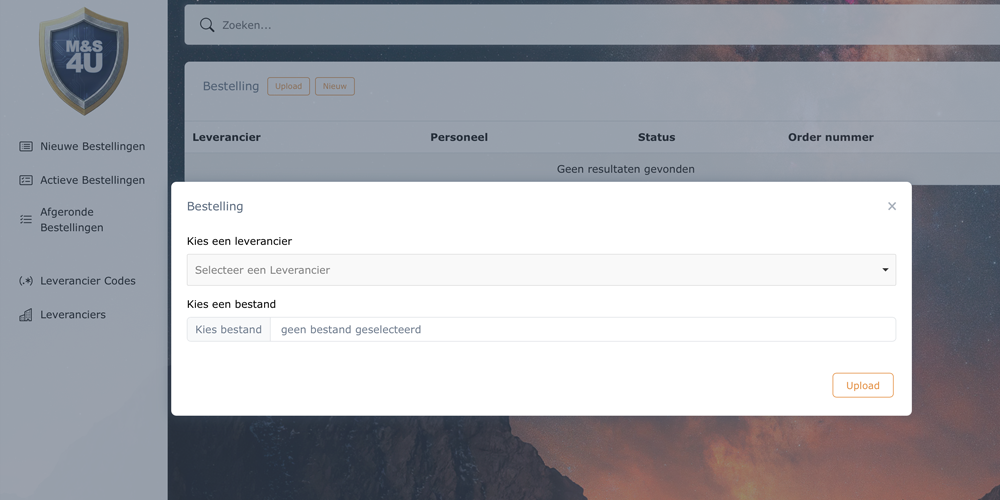
Mapping supplier data fields.
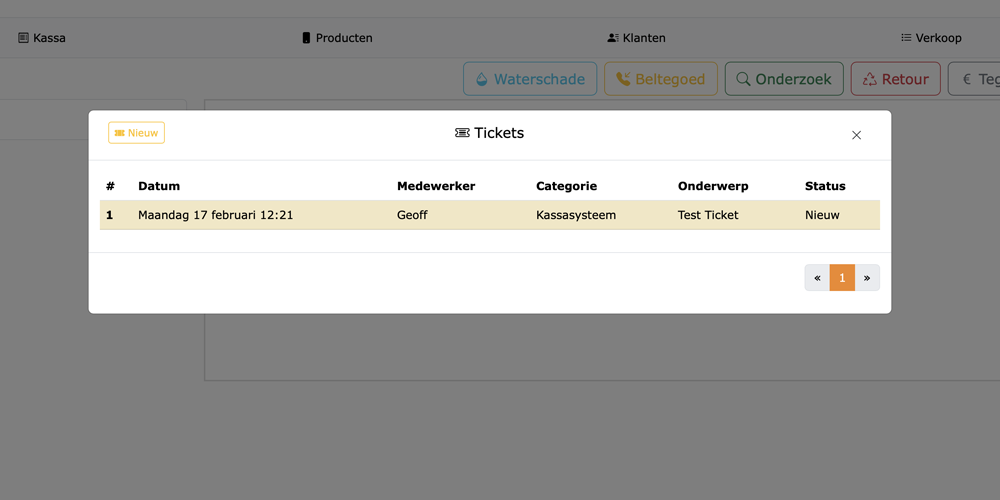
Staff view of open tickets.
Direct Management Contact
Built-in support system allows staff to quickly open a ticket or chat directly with regional management or technical support.